
Tech Tools
8 Panel GBCS Dashboard
https://eastalcyber.com/MiscApps/dash/dashboard8.html
This will take you to the LHS / TCBOE ClassLink Site.
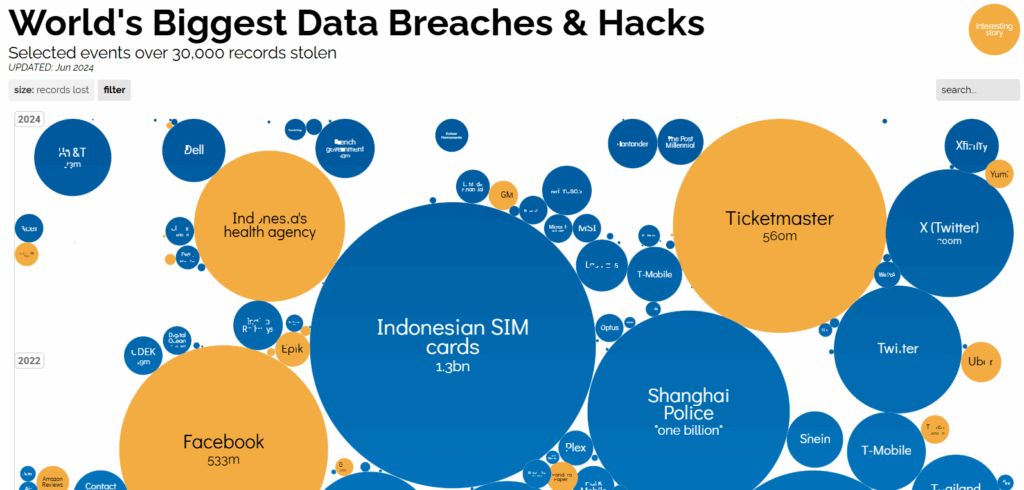
Information Is Beautiful – Breaches and Hacks
Aggie.io is a collaborative web-based drawing program.
Computer Service Repair – Chapter 24 – Customer Service
Textbook Material – Computer Service Repair – Chapter 24 – Customer Service
Computer Service Repair Chapter 2
Textbook Material – Computer Service Repair Chapter 2 – Operating Systems
CyberSeek – Cyber Security Career Info
Free web-based flow chart and diagram app.
Facebook IT / Cybersecurity Class Page
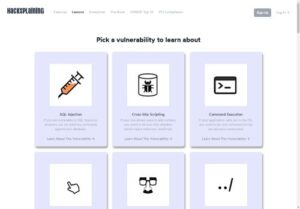
HackSplaining is a training website for Cyber Security Professionals.
We will use iCEV this year for IT Course Content.
Otter.ai – AI-based note system.
Otter.ai will record and transcribe your meeting notes for you.
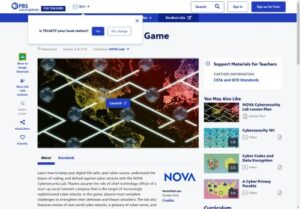
Players assume the role of chief technology officer of a start-up social network company.
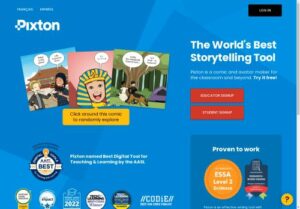
Use Pixton for creating Storyboards and comics.
HTML Tools
Click here for BK’s List of HTML Resources
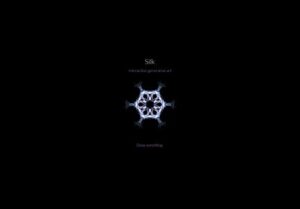
Silk is a drawing / interactive art generator. Try it out, it helps anyone be an artist.
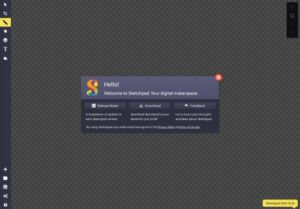
Sketch.io is an online Sketchpad app.
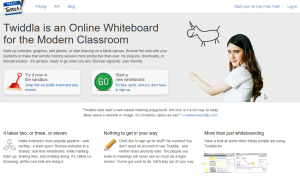
Free simple whiteboard website. Just click on the Go – Start a New Whiteboard button.
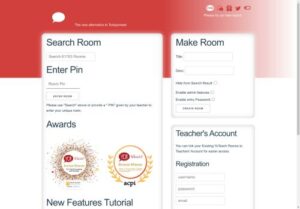
Yo! Teach! – Class Backchannel
We will use Yo! Teach! for a variety of backchannel discussions.